Net Profile Switch 3.77
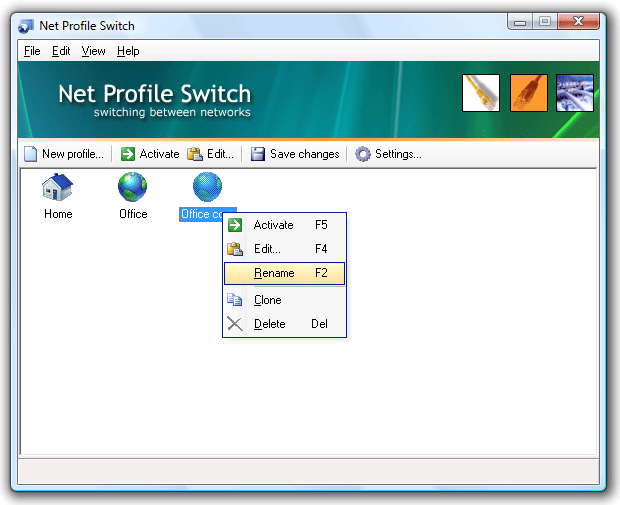
JitBit Net Profile Switch allows switching between two or more network configurations. Configuration includes TCP/IP-settings of your network interface, Internet Explorer or Mozilla FireFox proxy settings, Windows Firewall settings and network drives assignments. For example you can switch from a static to a DHCP assigned IP address. Use your laptop / notebook on multiple networks: assume you have a DHCP-enabled network at your office, and a static IP-address assigned to your network card at home. Every time you connect your notebook or laptop to a new network you have to change network-adapter settings manually. But it would a thousand times easier to store two profiles (called "office" and "home") and switch between these two profiles. If you deal with two or more locations, you can benefit from this net switcher utility that creates a profile with your configuration settings. Then you can easily switch between locations by activating a profile. Net Profile Switch uses Microsoft Windows native instrumentation of managing network settings.
Download Net Profile Switch 3.77
Product Info
Download Net Profile Switch 3.77
Publisher: JitBit Software
Size: 0.52 MB
OS: WinXP,WinNT 4.x,Windows2000,Windows2003
Install: Install and Uninstall